Design System Automation: Why It Matters for Enterprise Design
Design system automation turns manual design-to-code work into a deterministic pipeline. What it is, what to automate, and the ROI for enterprise teams.
Key Takeaway
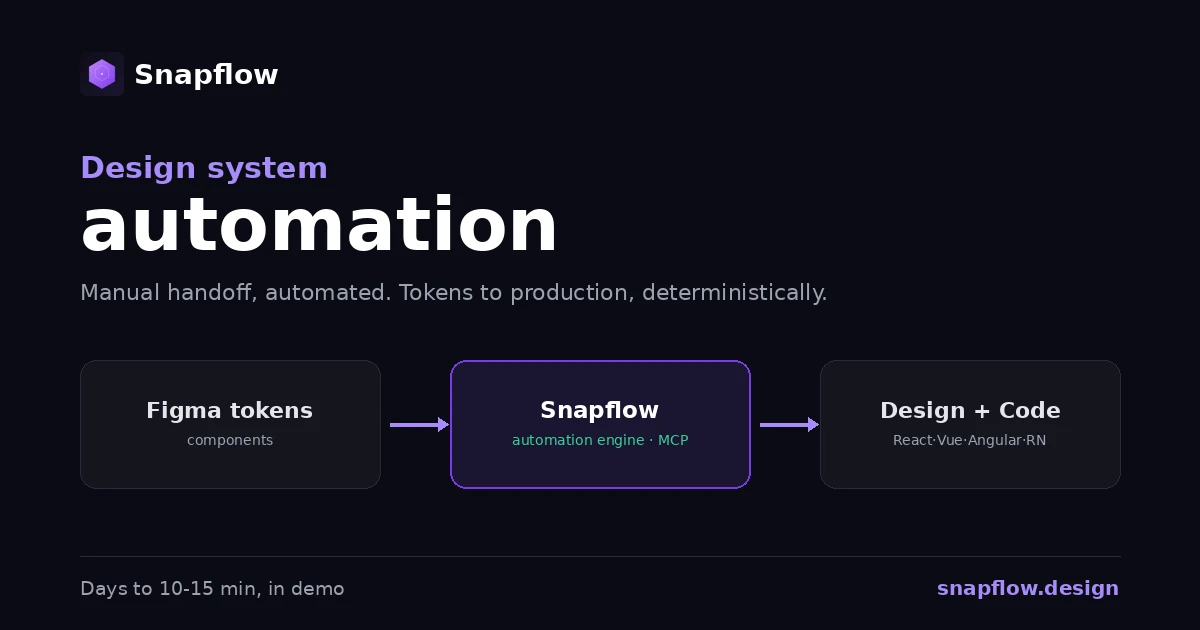
Design system automation replaces the manual work of keeping design and code in sync, handoff, reconciliation, governance, with a deterministic pipeline. Tokens flow from Figma to production code, components stay consistent by architecture, and AI tools read structured context instead of guessing. The result is fewer handoff cycles, less rework, and a system that scales without a bigger team.
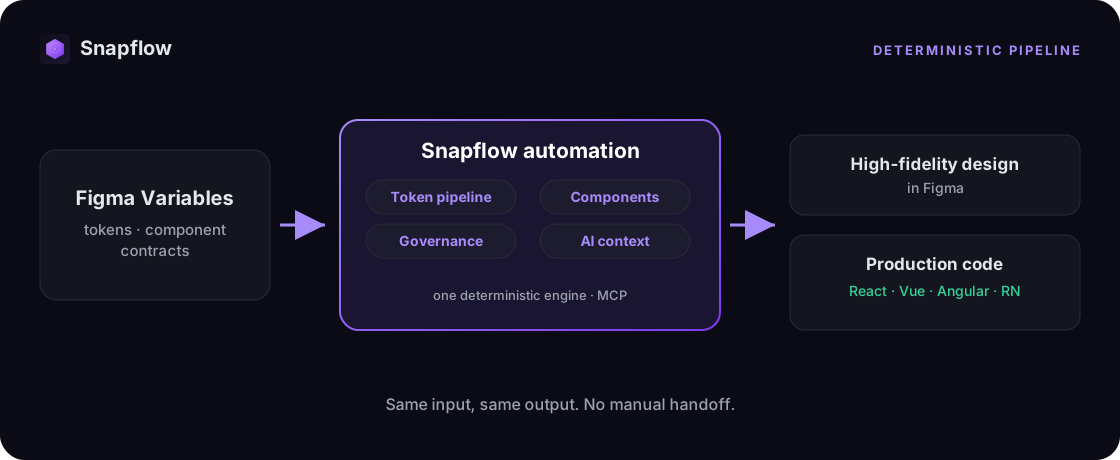
Design system automation is the practice of replacing the manual, repetitive work that keeps a design system alive, syncing tokens, reconciling design with code, enforcing standards, with infrastructure that does it deterministically. Instead of people manually translating Figma into code and policing consistency in review, the system itself guarantees that a design decision reaches production unchanged. For an enterprise with more than one product, that shift is the difference between a design system that scales and one that quietly becomes a museum.
What design system automation actually means
Most teams already have the ingredients of a design system: a component library, a Figma file, some documentation. What they don't have is automation connecting those pieces. So the connective work falls on people. A designer updates a token; an engineer manually mirrors it in code. A new component ships in Figma; someone rebuilds it by hand. A standard exists; a reviewer enforces it, or doesn't. Every one of those manual steps is a place where the system drifts.
Automation removes the human from the mechanical parts of that loop, not the creative ones. Designers still design. Engineers still build product. What gets automated is the translation and enforcement underneath: the token pipeline, the component contracts, the governance checks, and the structured context that AI tools consume. Done right, automation is invisible. You only notice it because the system stops drifting and your team stops spending Fridays reconciling what was designed with what was built.
This is why design system automation is an infrastructure problem, not a tooling problem. A new plugin automates one slice. Infrastructure automates the whole chain, design to production, so consistency is a property of the system rather than a result of effort.
What you can automate (and what you shouldn't)
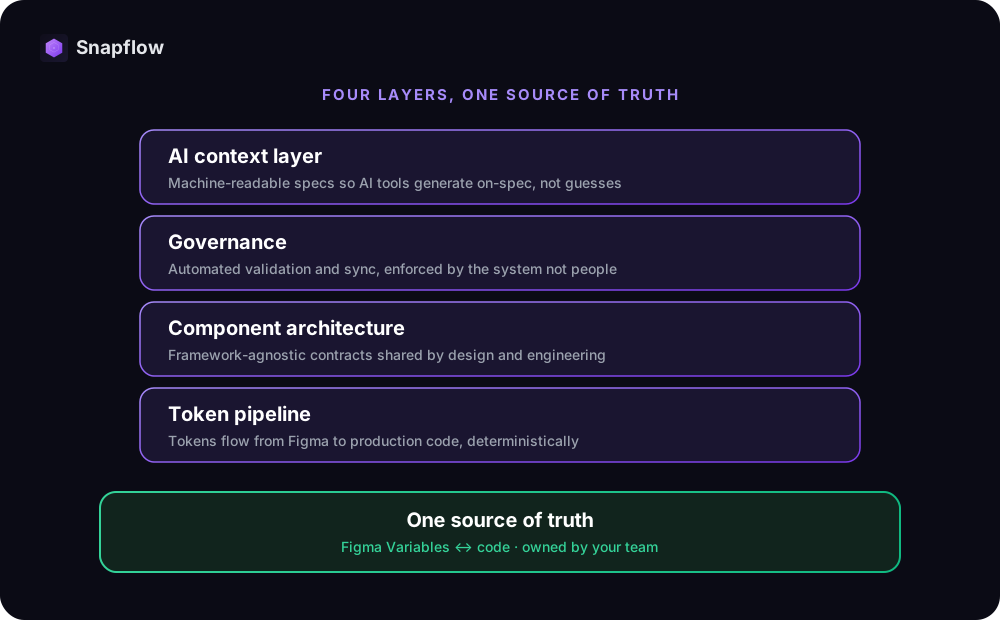
Not everything in a design system should be automated, and not everything can be. The high-leverage targets are the deterministic, repetitive layers where a human adds no creative value but plenty of error. In practice, four layers carry most of the return:
- The token pipeline. Design tokens, color, type, spacing, radius, flow from Figma Variables to production code across platforms automatically, with no spreadsheets and no manual mirroring. This is the single highest-leverage thing to automate, because every other layer depends on it. See how the design-to-code pipeline works.
- Component architecture. Components become contracts shared between design and engineering, framework-agnostic and documented as code, so the same button is the same button everywhere it ships.
- Governance. Automated validation, token sync checks, and component health replace manual audits and Slack threads. Consistency gets enforced by the system instead of policed by a person. Why that shifts operations to strategy.
- The AI context layer. Your system becomes machine-readable, so AI code tools read structured specs instead of guessing patterns. This is what makes generation consistent rather than a confident hallucination. That context layer is built, not assumed.
What you should not automate is taste. Naming a new pattern, deciding when to break a rule, judging whether an interaction feels right, those stay human. Automation handles the mechanics so your team has more time for exactly that judgment.
Manual maintenance vs. automated infrastructure
The contrast is sharpest when you look at how each approach behaves over time. Manual maintenance degrades; automated infrastructure holds.
| Manual maintenance | Automated infrastructure | |
|---|---|---|
| Token updates | Mirrored by hand, drift creeps in | Flow from Figma to code deterministically |
| New components | Rebuilt per team, variants multiply | Generated from one source, consistent |
| Consistency | Maintained by effort and review | Enforced by the system |
| AI generation | Vague prompts, guessed patterns | Structured context, on-spec output |
| Cost as you scale | Rises with every product and hire | Flat, the system absorbs the load |
The manual column is not a failure of talent. It is what happens when a team builds a component library and expects it to behave like infrastructure. Libraries store parts. Infrastructure runs the supply chain that keeps every product reading from the same source of truth.
The business case: what automation returns
Automation pays for itself by reclaiming time that currently disappears into handoff and rework. The figures below are conservative, measured in controlled environments and against our team's track record building enterprise design systems. Production results vary by stack and starting point. See exactly how we measure each one.
- 40% fewer handoff cycles between design and engineering.
- 50% less AI prompting and token waste, because tools read structured specs instead of guessing.
- 90% end-to-end design-to-code consistency, by architecture, not by effort.
- 3x faster component adoption across product teams.
- 30% of operational hours pivoted from maintenance to strategy.
To put those into your own currency, estimate the handoff and rework time your team loses today, then apply a conservative reduction. We built a tool that does exactly this: try the design system automation ROI calculator to see your estimated annual savings, payback period, and 3-year value. If you are still weighing build vs. buy, the real 3-year total cost of ownership is usually two to three times the initial sticker price once maintenance and rework are counted.
How Snapflow automates the design system
Snapflow is the deterministic infrastructure layer that automates the chain end to end, and it stays owned by your team. The flow is simple and repeatable:
- One source of truth. Tokens, variables, and component contracts are defined once and synced with Figma Variables.
- Deterministic generation. From a prompt, Snapflow produces high-fidelity design in Figma and production code across React, Vue, Angular, and React Native, governed by the same rules.
- Governance that runs itself. Automated checks enforce consistency, so your team spends time on decisions, not audits.
- AI-ready by default. The structured system is the context your AI tools read, so generation is consistent from the first pass. This is the same infrastructure your own agents can call, agentic as a service, explained.
A complete flow that normally takes days of design-to-code handoff is generated in 10 to 15 minutes in our demos, as both design and code. And because everything lives in your repository, the automation is yours: your design system, your components, your code, perpetually. See what a 90-day engagement delivers.
Frequently asked questions
What is design system automation? It is the practice of replacing the manual work that keeps a design system in sync, token updates, design-to-code handoff, consistency enforcement, with infrastructure that does it deterministically. The goal is consistency by architecture rather than by effort.
What parts of a design system should you automate first? Start with the token pipeline, because every other layer depends on it. Then component architecture, then governance, then the AI context layer. Creative decisions like naming and exceptions stay human.
Is design system automation just a Figma plugin? No. A plugin automates one slice, such as linting or handoff. Design system automation is infrastructure that automates the whole chain from Figma to production code, so the system holds together instead of drifting between disconnected tools.
How much does design system automation save? It depends on team size and how much time is lost to handoff and rework today. Teams typically see around 40% fewer handoff cycles and 50% less AI token waste. Use the ROI calculator to estimate your own savings, payback, and 3-year value.
Does automation replace designers or engineers? No. It automates the mechanical translation and enforcement work, not the creative work. Designers and engineers spend less time reconciling and more time on judgment, strategy, and product.
See your numbers
The fastest way to understand design system automation is to run the numbers against your own pipeline. Book a free 30-minute diagnosis: we map your current design-to-code flow and show you exactly where automation pays off, with your team's real data. No pitch, just clarity.
Want a quick estimate first? Try the ROI calculator.
Ready to build your design system infrastructure?
30-minute free diagnosis. No pitch, just clarity on your design system state and AI-readiness.
Related Articles
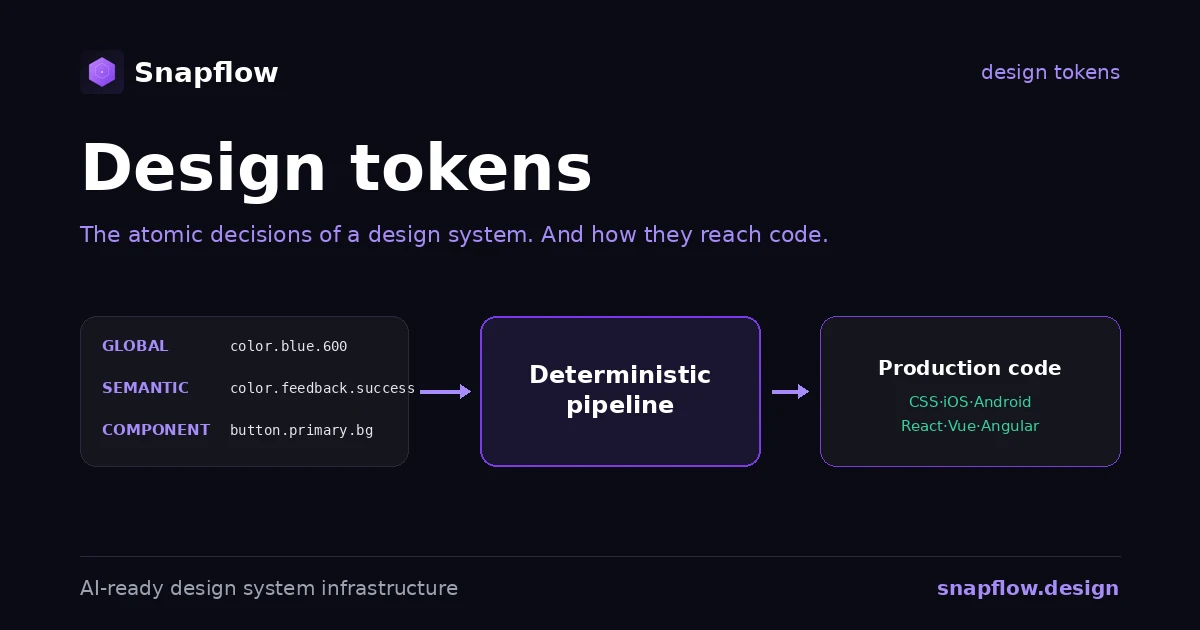
Design Tokens: What They Are, the Standard, and How They Reach Code
Design tokens explained: what they are, the three tiers, naming by intent, the new W3C standard, and the pipeline that turns a token file into production code.
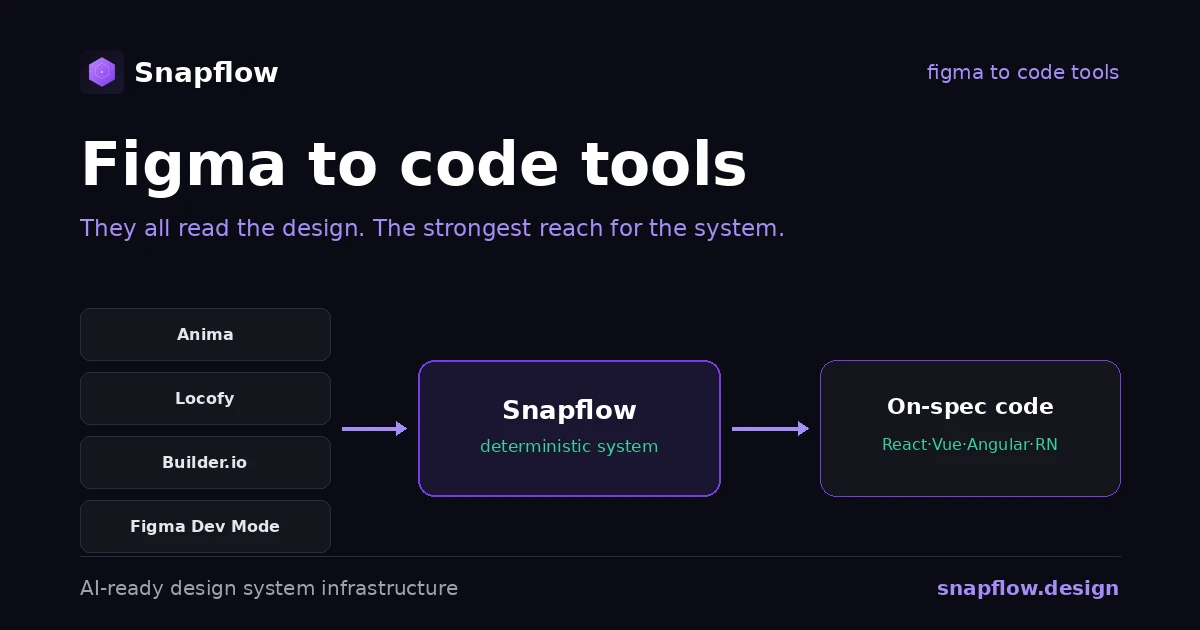
Figma to Code Tools Compared: Anima, Locofy, Builder.io, Dev Mode
An honest comparison of figma to code tools in 2026, what each one is best at, and the one axis that decides whether the output actually ships.
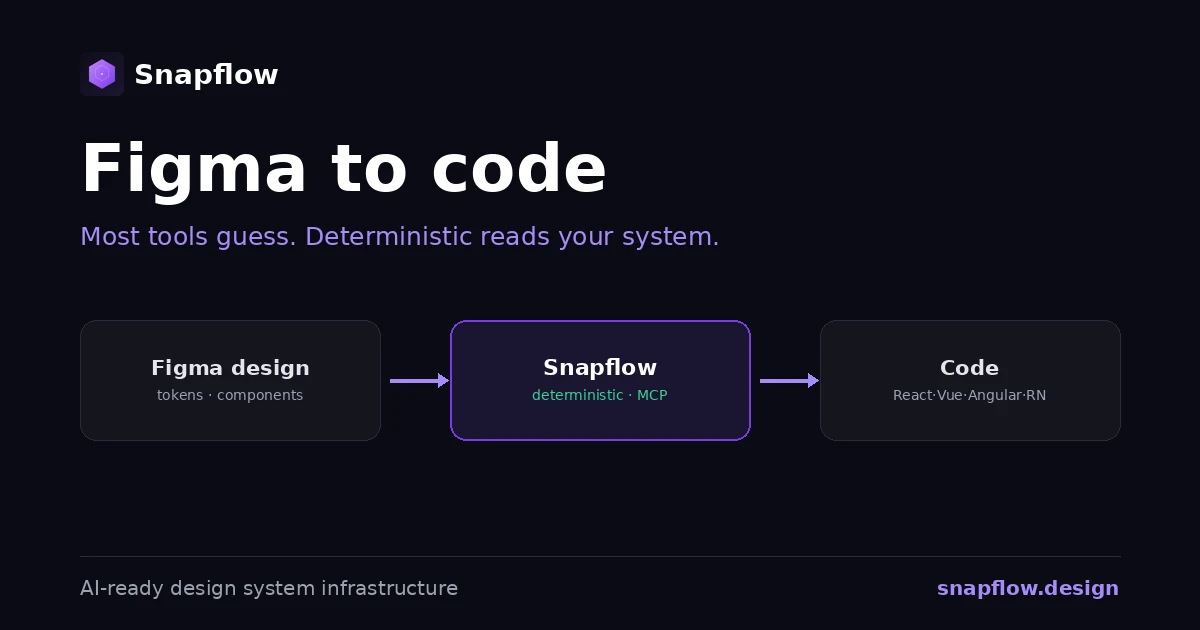
Figma to Code: Tools, AI, and What Actually Ships
Figma to code tools turn designs into code, but most guess. The categories, why AI generators drift, and the deterministic alternative for enterprise.