Figma to Code: Tools, AI, and What Actually Ships
Figma to code tools turn designs into code, but most guess. The categories, why AI generators drift, and the deterministic alternative for enterprise.
Key Takeaway
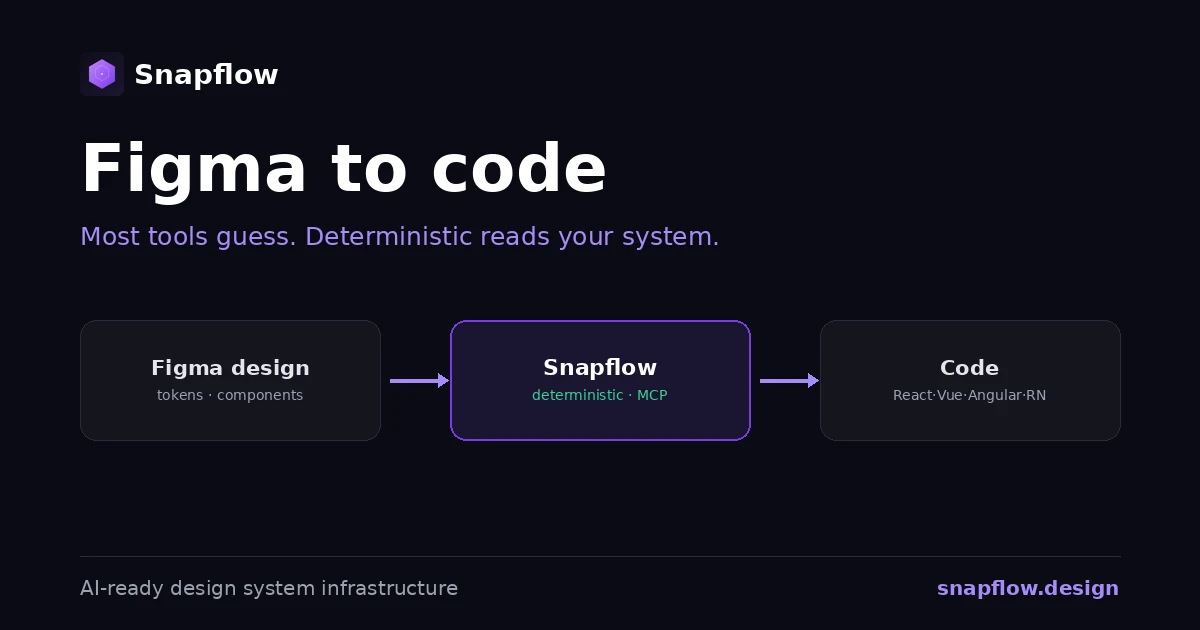
Figma to code tools convert a design into front-end code. Most of them, plugins and AI generators, work from the picture on the canvas and guess your patterns, so the output is almost right, which is the most expensive kind of wrong. The deterministic alternative reads your actual design system, tokens and component contracts, and generates consistent, on-spec code. Tools generate a guess. Infrastructure generates from truth.
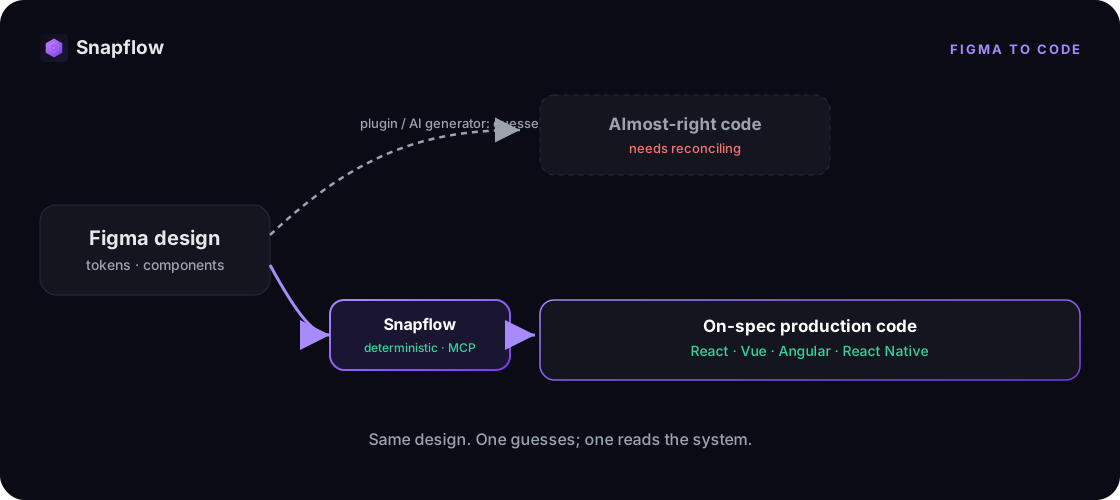
Figma to code is the process of turning a Figma design into working front-end code, in React, Vue, Angular, or React Native. An entire category of tools promises to do it: plugins that export a frame, and AI generators that produce components from a prompt or a selection. They are fast and increasingly AI-powered. The catch is that most of them generate from the visual, not from your system, so the code looks right and then drifts from the real thing the moment it meets your codebase.
What "figma to code" actually means
Under one label there are three very different approaches:
- Plugins and exporters. Tools like Anima, Locofy, and Figma Dev Mode read a frame and export markup and styles. Great for a quick starting point; the output is a translation of one screen, not a component wired to your system.
- AI generators. Tools like Builder.io Visual Copilot and prompt-to-UI assistants use AI to produce components from a design or a description. Fast and impressive in a demo; the output quality depends entirely on how much structured context the AI can read.
- Design system infrastructure. Instead of reading the picture, this layer reads your deterministic system, tokens, component contracts, governance, and generates on-spec code from it. This is where Snapflow sits.
Most teams try the first two, hit the seam, and only then realize the problem was never the generator. It was the lack of a source of truth for the generator to read.
Why AI figma to code still guesses
An AI generator is only as good as the structure it can read. Point it at a Figma frame with no connected system, and it does the only thing it can: it infers your tokens, spacing, and components from pixels. The result is code that looks like your design and quietly diverges from your real component library. Someone reconciles it by hand, on a Friday afternoon, again.
This is not an AI problem, it is an input problem. Give the same AI a deterministic, machine-readable system to read, and it stops guessing. That AI context layer is built, not assumed.
Deterministic figma to code: the alternative
Deterministic means the same input always produces the same output. Instead of translating a screenshot, the system reads your tokens and component contracts and generates the corresponding production code, governed by the same rules every time.
That is what makes it trustworthy at scale. Your Figma design and your code stay in sync because both read one source of truth, not two copies that drift. From a prompt, Snapflow produces high-fidelity design in Figma and production code across React, Vue, Angular, and React Native, at the same time. A complete flow that normally takes days of design-to-code handoff is generated in 10 to 15 minutes in our demos. See how the design-to-code pipeline works, and how we measure each number.
The real benefit is consistency at scale: whoever prompts it, however they phrase it, the same intent produces the same result, in design and in code. Different prompts, one purpose, one outcome, aligned to your front end and your back end.
Plugin or AI generator vs. deterministic infrastructure
| Plugin / AI generator | Deterministic infrastructure | |
|---|---|---|
| Reads | The canvas, guesses patterns | Your design system, tokens and contracts |
| Consistency | Different result each run | Consistent and scalable across front and back |
| Output | Almost right, needs reconciling | On-spec from the first pass |
| Frameworks | One target, per export | React, Vue, Angular, React Native |
| Scope | A screen, translated | Design and code, in sync |
| Ownership | Often locked to the tool | Your system and code, perpetual |
A plugin helps a developer start faster on one screen. Infrastructure produces code your team can ship, because it is grounded in a system that does not drift. For a tool-by-tool breakdown, see figma to code tools compared.
How to choose a figma to code tool
The useful question is not "which plugin" but "does the tool read my design system or guess from the visual?" Run any option through this checklist:
- Does it read a deterministic source of truth, or infer your patterns from the frame?
- Is the generated code consistent and scalable across your front end and back end, or does it drift with each generation?
- Does it cover the frameworks you actually ship, React, Vue, Angular, React Native?
- Do you own the generated code, or is it tied to the tool?
- Is the free version enough, or does "free" just mean "guesses for free"?
If those answers expose gaps, the gap is not a better plugin. It is the infrastructure the plugin should have been reading from. Compare the full tools landscape.
Where Snapflow fits
Snapflow is not another figma-to-code plugin. It is the deterministic infrastructure underneath: a token pipeline, component contracts, governance, and an AI context layer, native to React, Vue, Angular, and React Native, and owned by your team. Your existing tools keep working; they finally agree, because they read the same deterministic system instead of each guessing. This is the same infrastructure your own AI agents can call, agentic as a service, explained. See what a 90-day engagement delivers.
Frequently asked questions
What is figma to code? It is turning a Figma design into working front-end code. Tools do this in different ways: plugins export a frame, AI generators produce components from a design, and infrastructure generates on-spec code from your design system.
What is the best figma to code tool or plugin? There is no single best plugin, and chasing one misses the point. The leverage is whether the tool reads a deterministic design system or guesses from the canvas. Get that right and most tools work better; get it wrong and no plugin saves you.
Is there a free figma to code tool? Yes, several plugins offer a free tier. Just remember that "free" usually means the tool guesses your patterns from the visual, so you pay later in reconciliation. Consistency comes from the system underneath, not the plugin.
Can AI turn Figma into code? Yes, but AI is only as good as the structured context it reads. Without a deterministic system, it guesses and reproduces inconsistencies. With one, it generates consistent, on-spec output.
Does figma to code support React, Vue, and Angular? It depends on the tool. Snapflow outputs to React, Vue, Angular, and React Native from one source of truth, so the same system serves every framework.
See it run on your stack
The fastest way to understand deterministic figma to code is to point it at your own design system and watch it generate. Book a free 30-minute diagnosis: we map your current design-to-code flow and show you exactly where the guessing happens, with your team's real numbers. No pitch, just clarity.
Want a quick estimate first? Try the ROI calculator.
Ready to build your design system infrastructure?
30-minute free diagnosis. No pitch, just clarity on your design system state and AI-readiness.
Related Articles
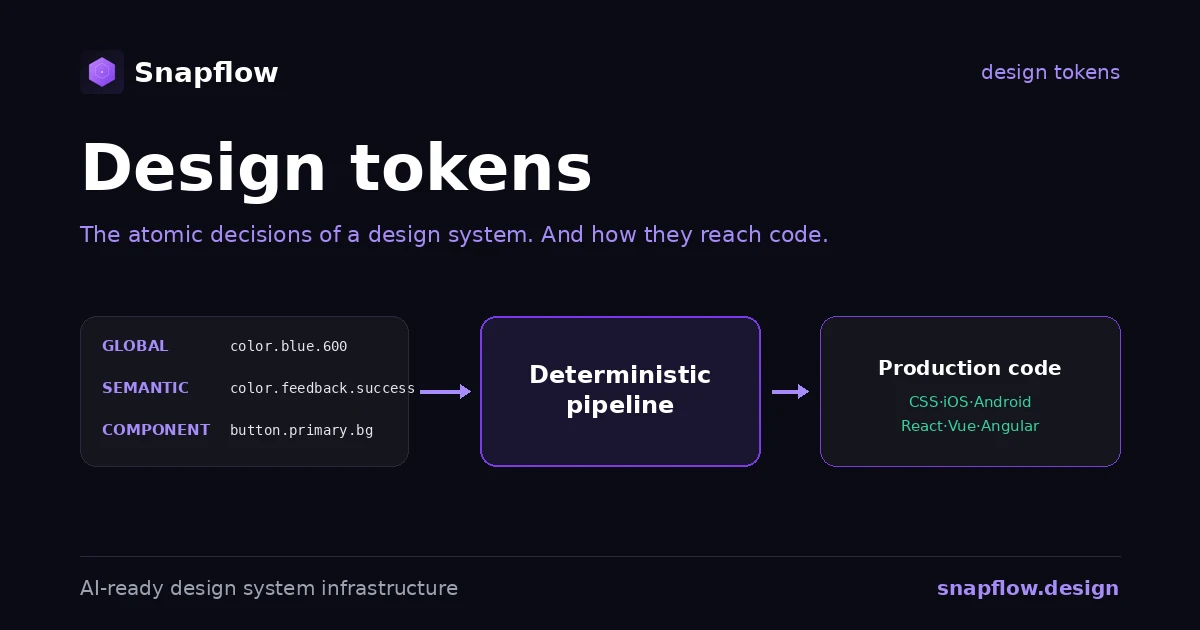
Design Tokens: What They Are, the Standard, and How They Reach Code
Design tokens explained: what they are, the three tiers, naming by intent, the new W3C standard, and the pipeline that turns a token file into production code.
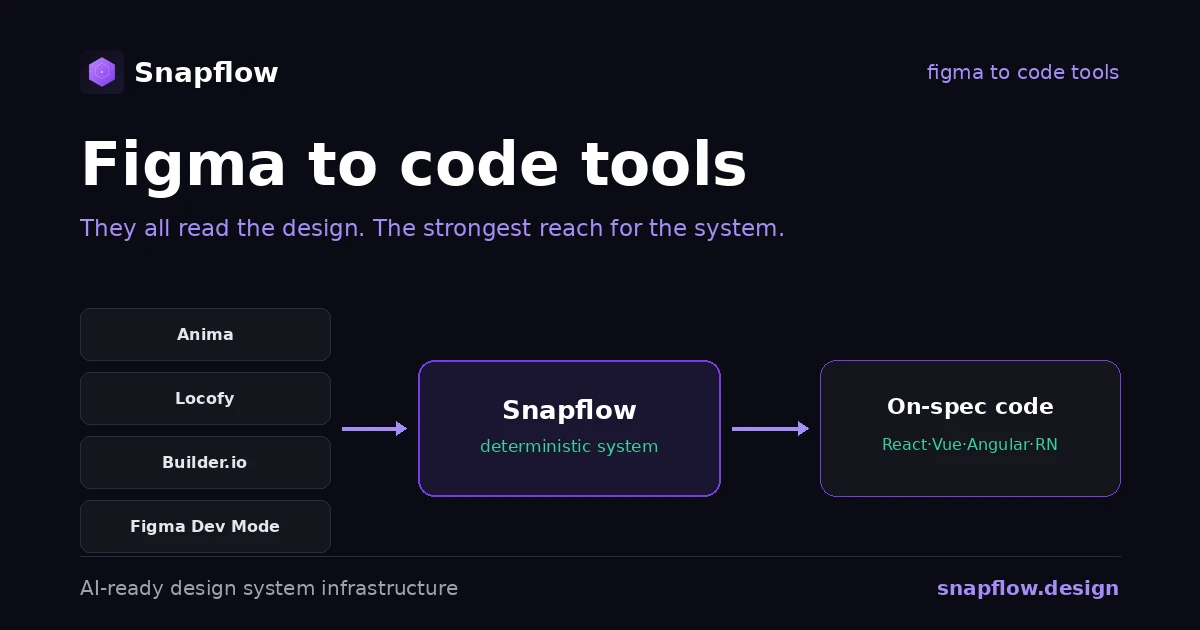
Figma to Code Tools Compared: Anima, Locofy, Builder.io, Dev Mode
An honest comparison of figma to code tools in 2026, what each one is best at, and the one axis that decides whether the output actually ships.
Supernova vs zeroheight: Which Design System Platform (2026)
Supernova vs zeroheight, compared honestly: documentation, token automation, setup, and code. What each wins, and the job neither is built to do.