Design System Tools: Why It Matters for Enterprise Design
Design system tools each manage one slice; infrastructure owns the result. The categories, where they break, and how to choose for enterprise teams.
Key Takeaway
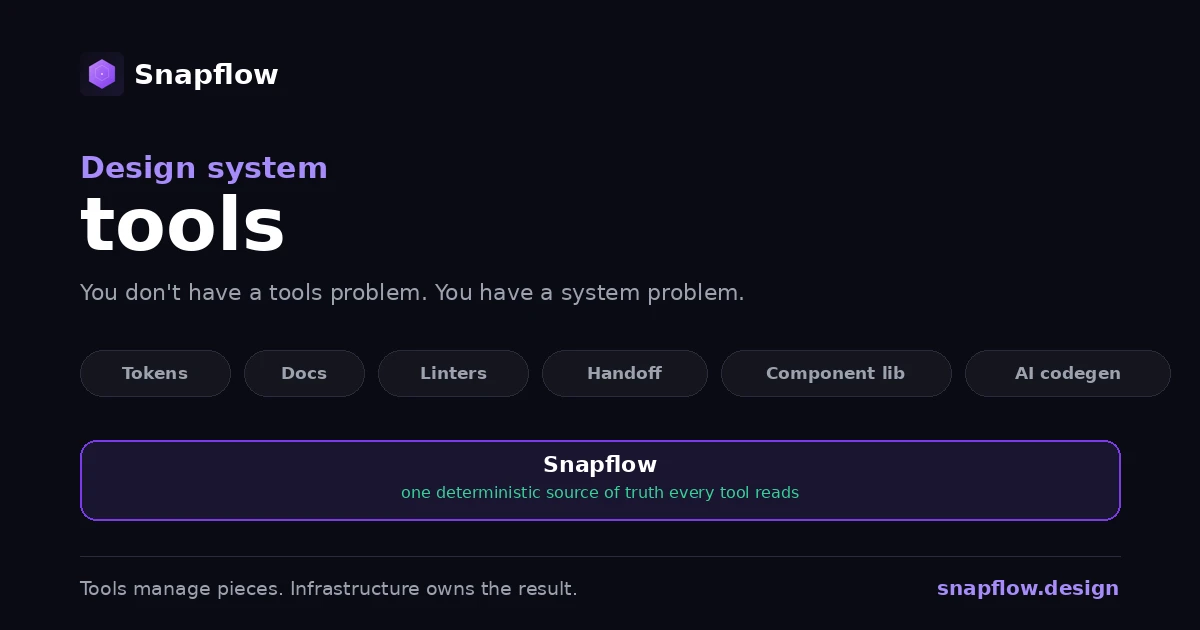
Design system tools each solve one slice: tokens, docs, linting, handoff, code generation. None of them owns the end-to-end result, so consistency lives in the gaps between them. The fix is not a better tool. It is the deterministic infrastructure layer underneath that every tool, and every AI agent, reads from. Tools manage pieces; infrastructure owns the result.
Design system tools are the software teams use to build, document, and maintain a design system: token managers, documentation sites, linters, design-to-code handoff plugins, component libraries, and AI code generators. Each is good at one slice. The problem most enterprises hit is not a lack of tools, it is that they own five to ten of them and none owns the result. Consistency falls into the seams between tools, and that is exactly where a design system quietly drifts.
The design system tools landscape
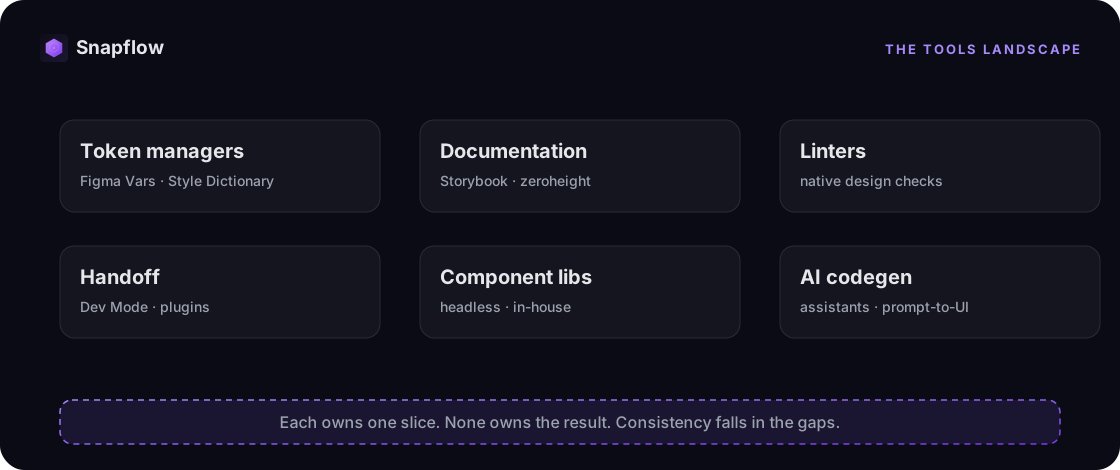
Most teams assemble their stack one category at a time. Each category is mature on its own:
- Token managers. Figma Variables, Tokens Studio, Style Dictionary. They define and transform design tokens.
- Documentation platforms. Storybook, zeroheight, Supernova. They store and display the system.
- Linters and enforcement. Increasingly native, like design checks inside the canvas. They flag drift against a published system.
- Handoff tools. Dev Mode and inspection plugins. They pass specs from design to engineering.
- Component libraries. Headless primitives or in-house libraries. The actual building blocks.
- AI code generators. Coding assistants and prompt-to-UI tools. They generate front-end code on demand.
Every one of these is good at its job. The trouble is never the tool. It is the seams between them.
The hidden cost of a stack that owns nothing
Here is the pattern, repeated across enterprises. Every tool owns its slice; none owns the chain. A token changes in Figma, and the documentation site is instantly stale. The linter compares your file against a system that may itself be out of date. The AI generator guesses your patterns because no tool feeds it structured truth. Each tool is technically working, and the system as a whole is drifting.
The cost is not abstract. Teams lose cycles reconciling what was designed with what was built, rebuild components that already exist, and watch drift creep back after every release. When you add up licenses, integration glue, and the maintenance to keep the tools in sync, the real total cost of an internally stitched stack tends to run two to three times the sticker price. We break down the real numbers here.
With AI now generating front-end code at scale, the seams compound. Every inconsistency in the source becomes an inconsistency the AI confidently reproduces.
Tools vs. infrastructure: the distinction that matters
A tool checks, stores, or generates one thing. Infrastructure is the deterministic layer all the tools sit on, so they finally agree.
| Design system tools | Design system infrastructure | |
|---|---|---|
| Scope | One slice each | The full chain, design to code |
| Source of truth | Scattered, one copy per tool | One deterministic source |
| Consistency | Maintained by effort across tools | Enforced by the system |
| AI-readiness | Each tool guesses | Structured context every tool reads |
| When something changes | Propagated by hand | Flows automatically |
| Ownership | Output often locked to a tool | Your system and code, perpetual |
This is not an argument against tools. Tools are good. It is an argument for the layer underneath them: a single deterministic source of truth that every tool and every agent can read the same way.
How to choose design system tools
The useful question is not "which tool" but "do my tools share one source of truth?" Run your stack through this checklist:
- Is there one deterministic source, such as Figma Variables synced to code, or does each tool keep its own copy?
- Does a token change reach production without manual translation? See how the design-to-code pipeline works.
- Can your AI tools read structured context, or are they guessing from vague prompts? That AI context layer is built, not assumed.
- Is consistency enforced by the system, or by review effort that degrades under deadline?
- Do you own the output, or is it locked to a specific tool?
If those answers expose gaps, the gap is the infrastructure layer, not another tool to buy.
Where Snapflow fits: the layer under the tools
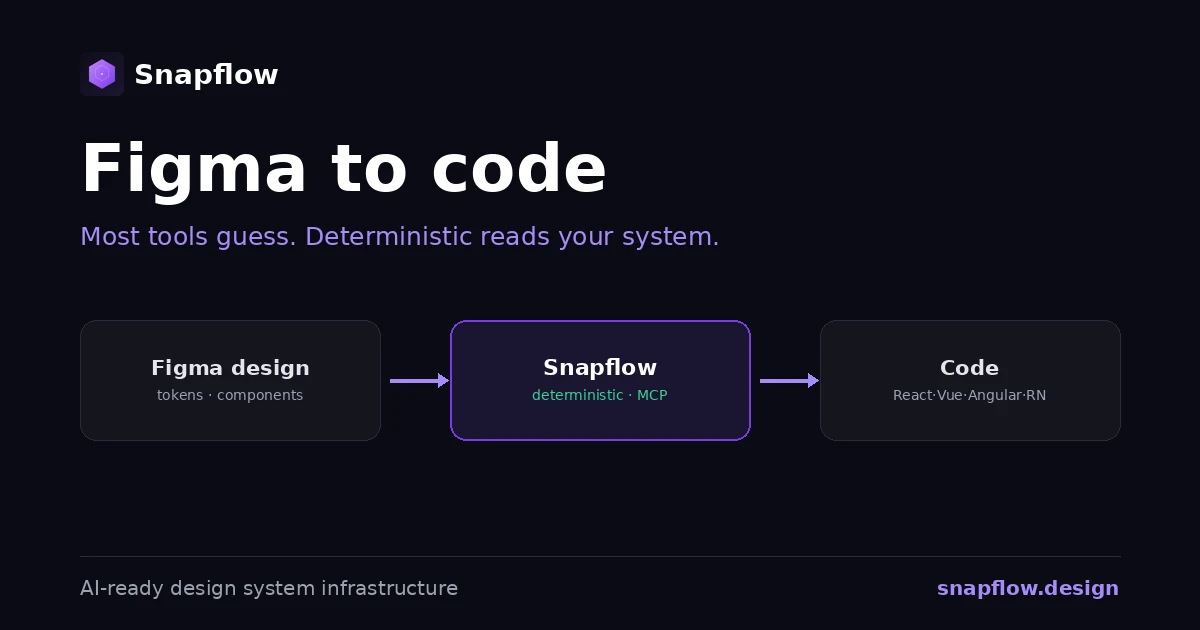
Snapflow is not another tool in the stack. It is the deterministic infrastructure underneath: a token pipeline, component contracts, governance, and an AI context layer, all reading from one source of truth, native to React, Vue, Angular, and React Native.
Your existing tools keep working. Figma, Storybook, your AI assistant, they finally agree, because they read the same deterministic system instead of each keeping a private copy. From a prompt, Snapflow produces high-fidelity design in Figma and production code across frameworks, governed by the same rules. A complete flow that normally takes days of design-to-code handoff is generated in 10 to 15 minutes in our demos. See exactly what a 90-day engagement delivers, and how we measure each number.
If you want to put real numbers on it, the design system automation ROI calculator estimates the savings from removing the handoff and rework your current tools leave behind. For the deeper why, we wrote about design system automation and what Snapflow is in depth.
Frequently asked questions
What are design system tools? They are the software used to build, document, and maintain a design system: token managers, documentation platforms, linters, handoff plugins, component libraries, and AI code generators. Each handles one slice of the workflow.
What is the difference between design system tools and a design system? The design system is the source of truth: tokens, components, and rules. Tools are the software that builds and maintains it. You can own many tools and still not have a coherent system if they do not share one source of truth.
Do I need design system tools or design system infrastructure? Both. Tools handle specific jobs. Infrastructure is the deterministic layer that makes the tools agree, so consistency holds by architecture instead of by effort.
What is the best design system tool? There is no single best tool, and chasing one misses the point. The leverage is the shared, deterministic source of truth underneath your tools. Get that right and most tools work better; get it wrong and no tool saves you.
Can AI replace design system tools? No. AI code generators are only as good as the structured context they read. Without a deterministic system to read from, AI guesses and reproduces inconsistencies. With one, it generates consistent, on-spec output.
See where your stack stands
If your design system is a pile of tools that do not quite agree, the answer is not another tool. It is the foundation they should all be reading from. Book a free 30-minute diagnosis: we map your current design-to-code stack and show you exactly where the gaps are, with your team's real numbers. No pitch, just clarity.
Want a quick estimate first? Try the ROI calculator.
Ready to build your design system infrastructure?
30-minute free diagnosis. No pitch, just clarity on your design system state and AI-readiness.
Related Articles
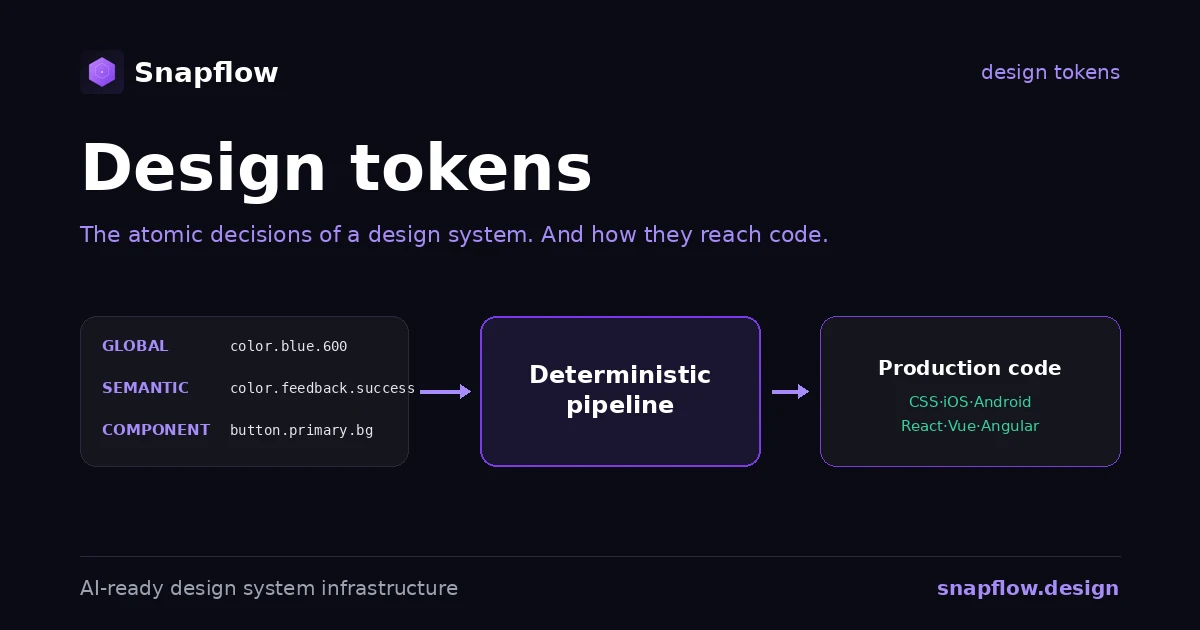
Design Tokens: What They Are, the Standard, and How They Reach Code
Design tokens explained: what they are, the three tiers, naming by intent, the new W3C standard, and the pipeline that turns a token file into production code.
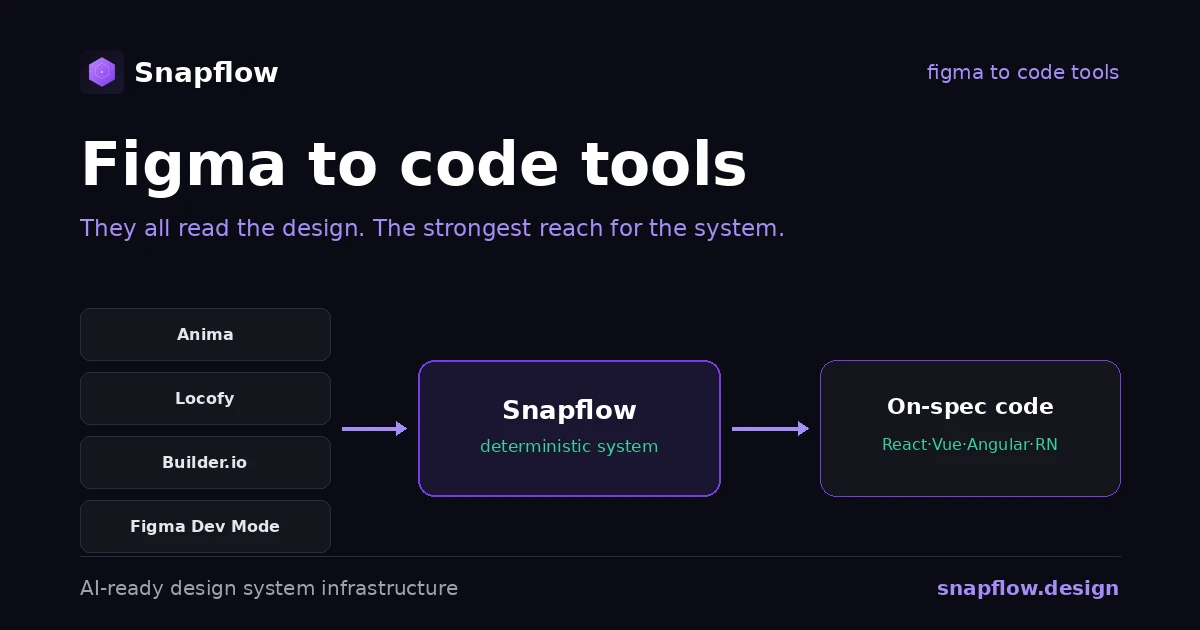
Figma to Code Tools Compared: Anima, Locofy, Builder.io, Dev Mode
An honest comparison of figma to code tools in 2026, what each one is best at, and the one axis that decides whether the output actually ships.
Figma to Code: Tools, AI, and What Actually Ships
Figma to code tools turn designs into code, but most guess. The categories, why AI generators drift, and the deterministic alternative for enterprise.